Inspections by Constructable
Construction inspection software for general contractors
Build your inspection checklists once, run them from any phone, and turn every failed item into tracked work. Inspections come with every plan, with unlimited users and flat pricing .
Templates and custom responses
Write the checklist once for the whole company
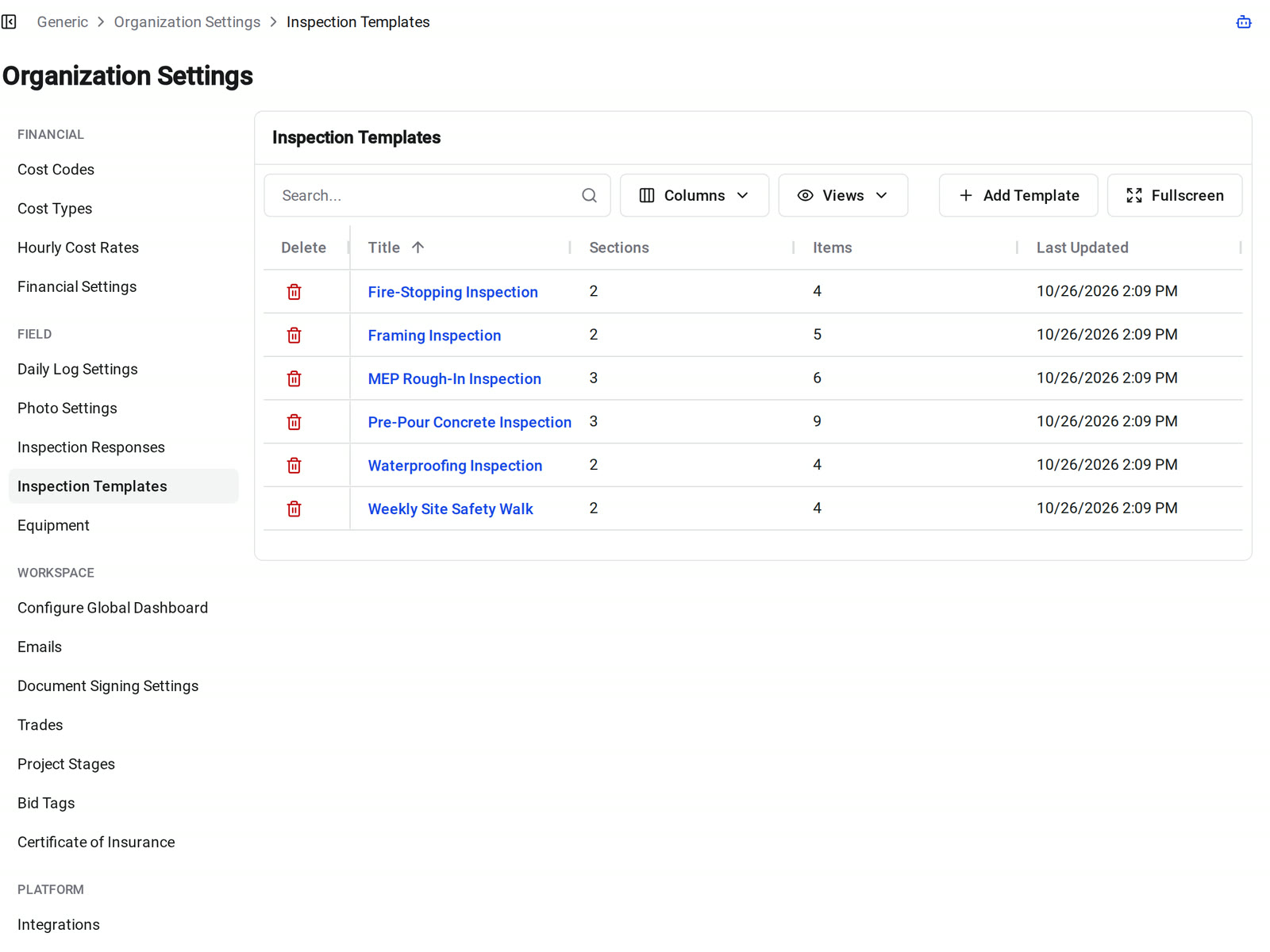
Our construction inspection software keeps your framing, pre-pour, and fire-stopping checklists in one company library. Any project starts a draft from a template instead of retyping it.
• A company standard: build sections and items once in Organization Settings, and every project's first draft starts from the same checklist
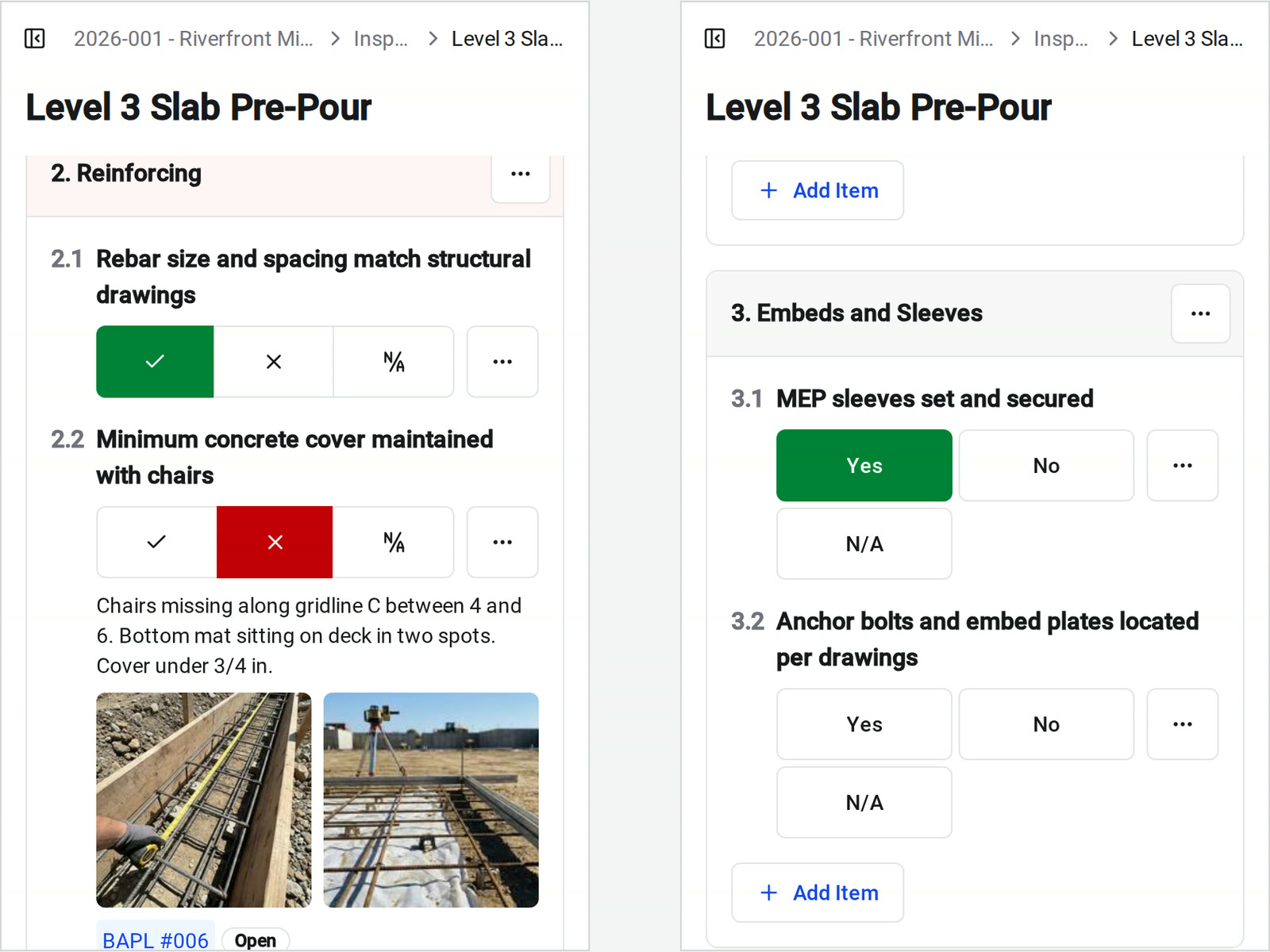
• Your own wording: answer with Yes / No or Good / Needs Attention / Unsafe, and each answer still counts as a pass, a fail, or N/A
• One-off checks: start a blank draft and add sections and items in the order someone walks the building
In the field
Walk it from your phone
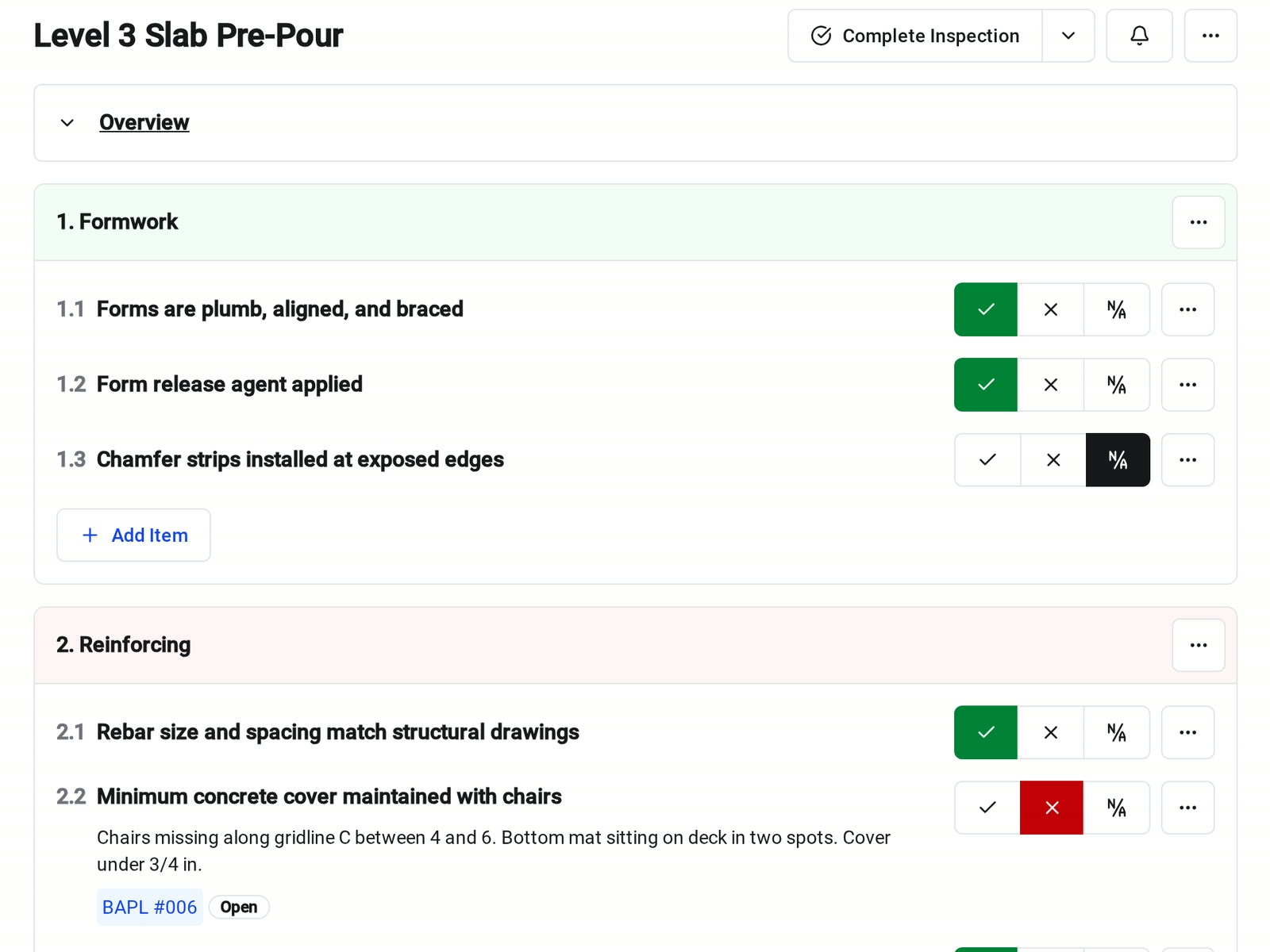
Start the inspection on site and work down the checklist. Each item has pass, fail, and N/A buttons, taller on a phone so they are easier to hit with gloves on.
• An item fails: the notes sheet opens so you can write what you saw while you're standing in front of it
• Evidence: add observations, photos, and files to the item they support, not to a pile at the end
• Any device: desktop web, mobile web, and the Constructable app for iPhone, iPad, and Android
Status and pass rate
See where every inspection stands
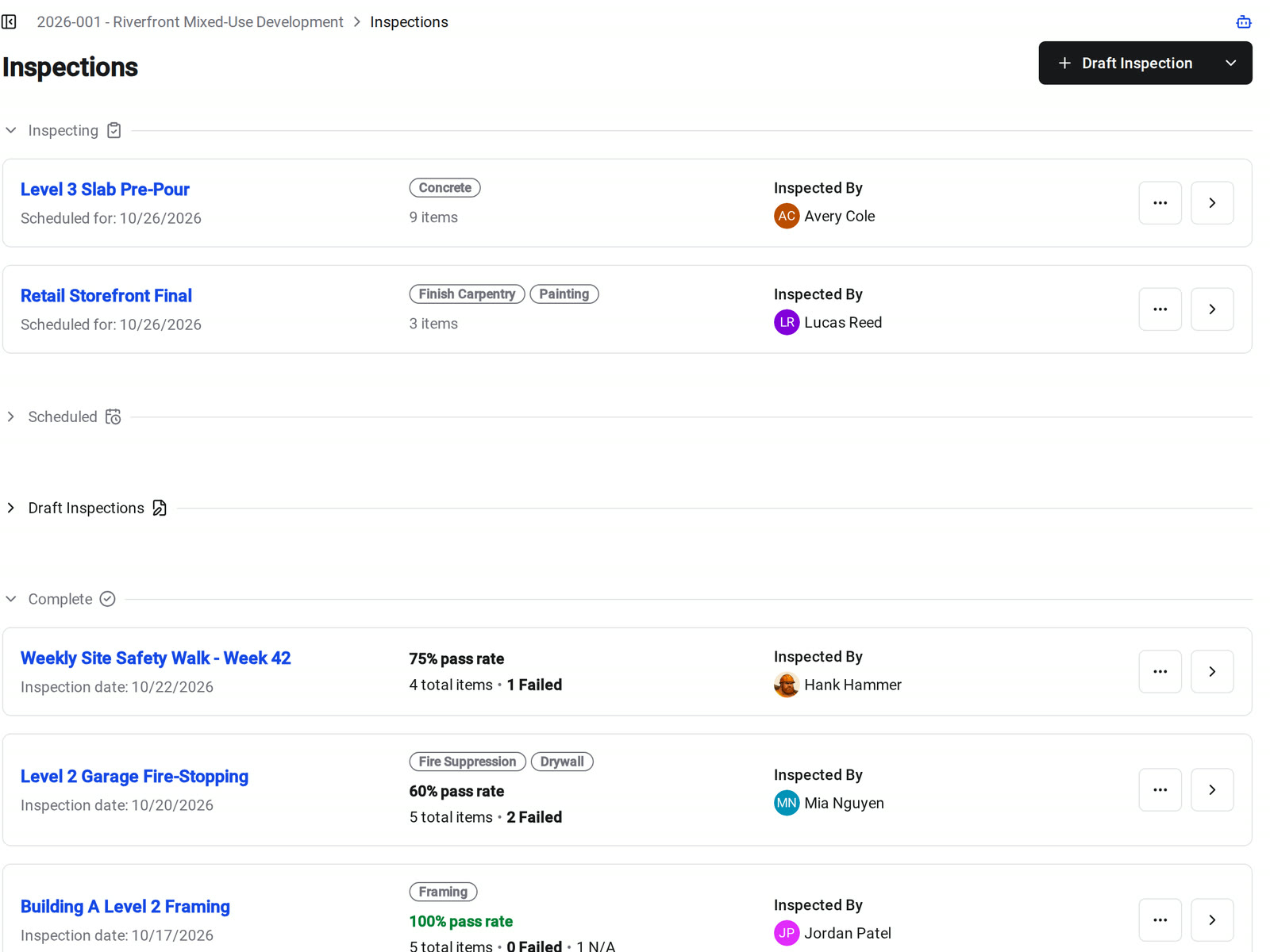
The Inspections page groups drafts, scheduled walks, inspections in progress, and completed records, with the date, inspector, and trades on each card.
• A clear lifecycle: every inspection moves from Draft to Scheduled to Inspecting to Complete
• Pass rate: completed inspections show the pass rate and the number of items passed, failed, and marked N/A
• Follow-up: scan the completed inspections and see which ones need work without opening any of them
Failed items
Turn a failed item into a punch item
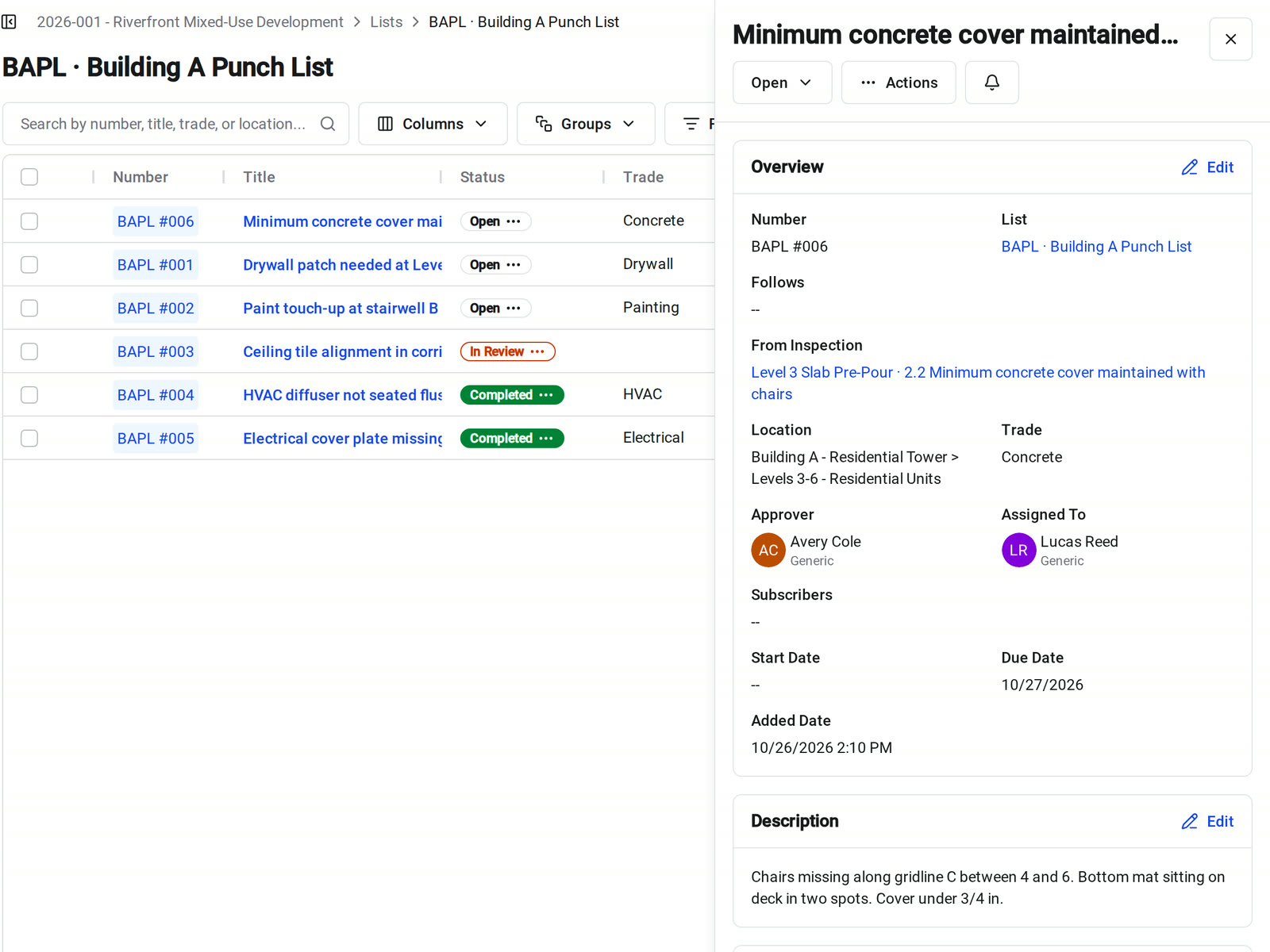
A failed check means someone has to go fix something. Create a punch list item from the inspection item without retyping what you just wrote.
• Prefilled: the punch item starts with the inspection item's title and observations, so you only add the assignee and dates
• Linked both ways: the punch item shows From Inspection, and the inspection item shows the punch item's number and status
• Tracked to done: the trade's fix goes through the same review as the rest of your punch list
PDF and closeout
Hand off a record that explains itself
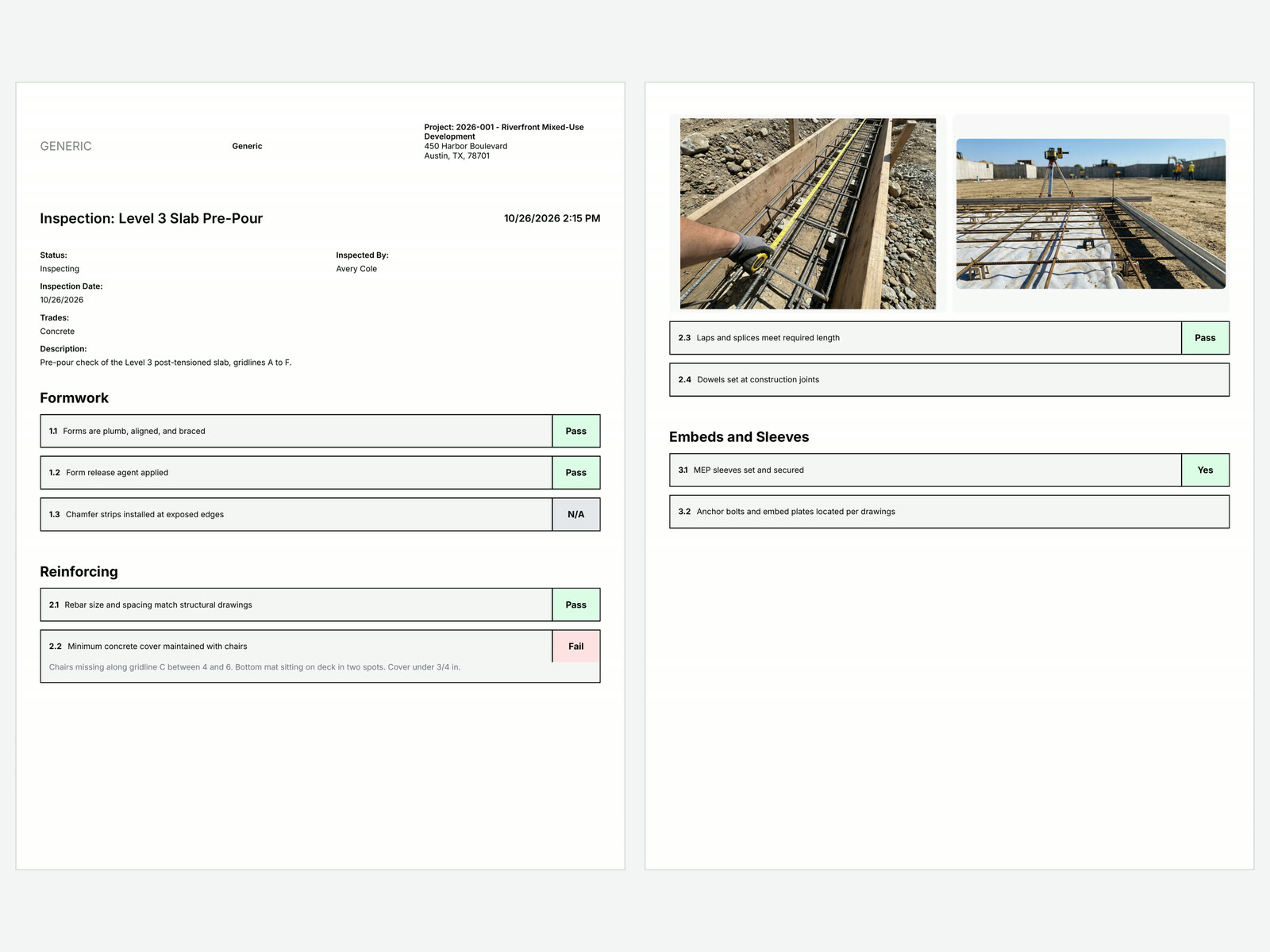
Export any inspection to a PDF for the owner, a sub, or the closeout binder. It works from a phone as well as a desk.
• What's in it: status, inspector, date, trades, description, attachments, every section and result, observations, and item photos
• Your wording: items with custom responses print the answer the inspector tapped
• Closeout: add inspections to the project's closeout package with RFIs, submittals, daily logs, and punch lists
Reuse
Bring your inspections to the next job
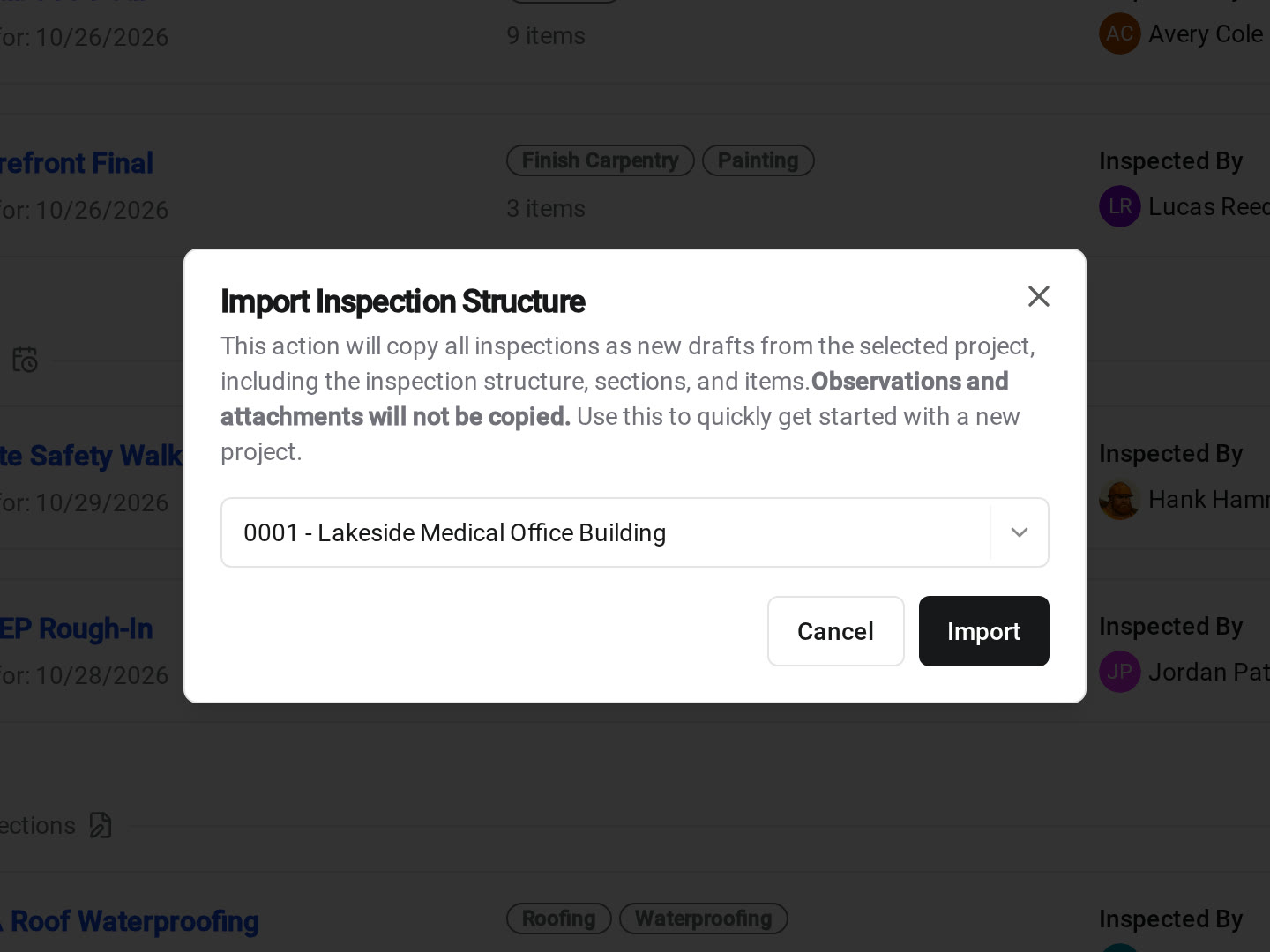
Start each project with the checklists you already trust. Imports and duplicates arrive as drafts, so you can check them before anyone walks them.
• Seeding a new project: import every inspection structure from another project at once
• The next walk on this job: duplicate an inspection to get the same checklist with clean results
• Template projects: start a new project from a template project and its inspections come with it
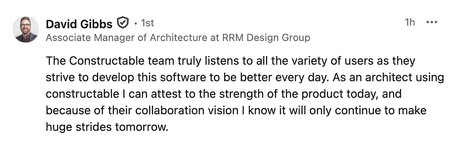
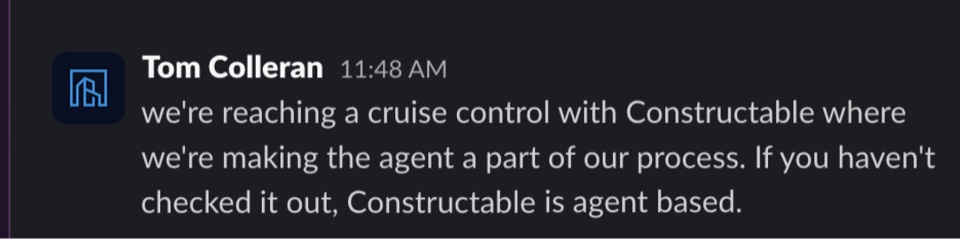
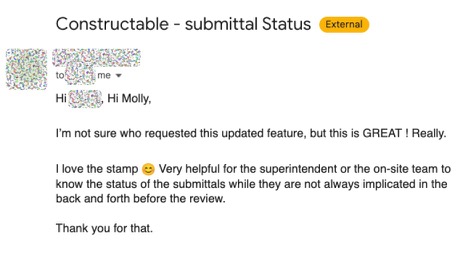
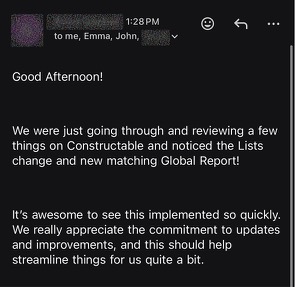
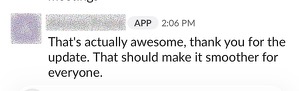
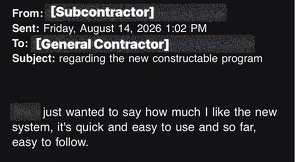
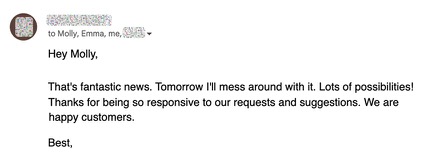
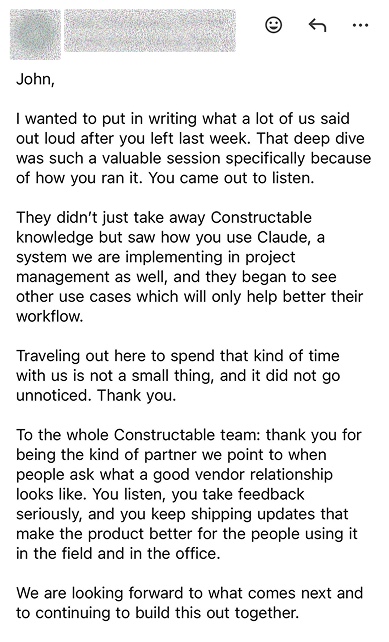
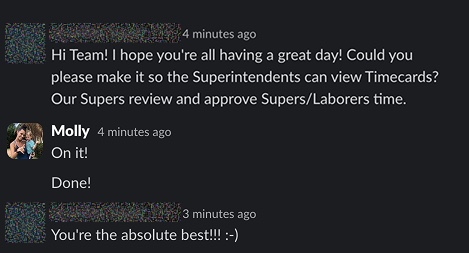
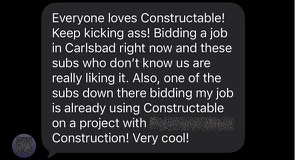
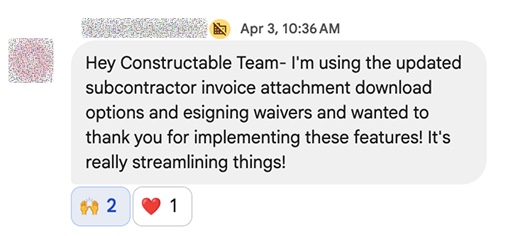
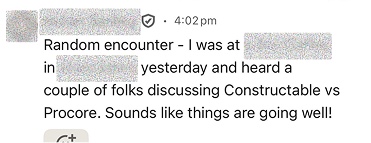
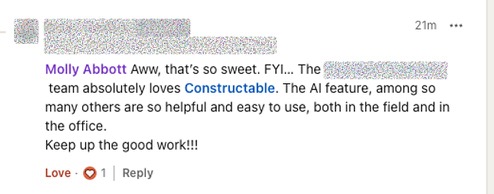
Hear from the GCs building with Constructable
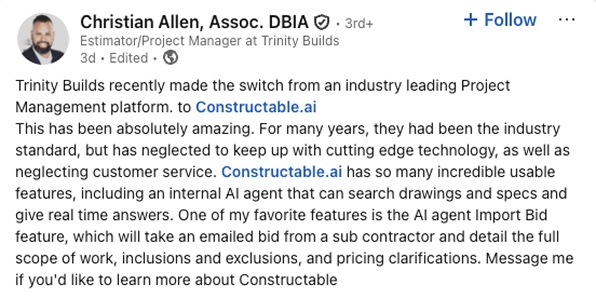
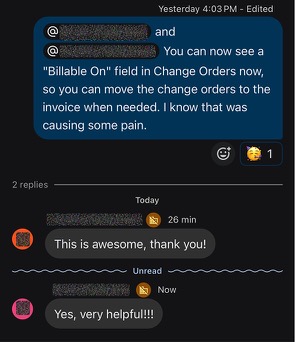
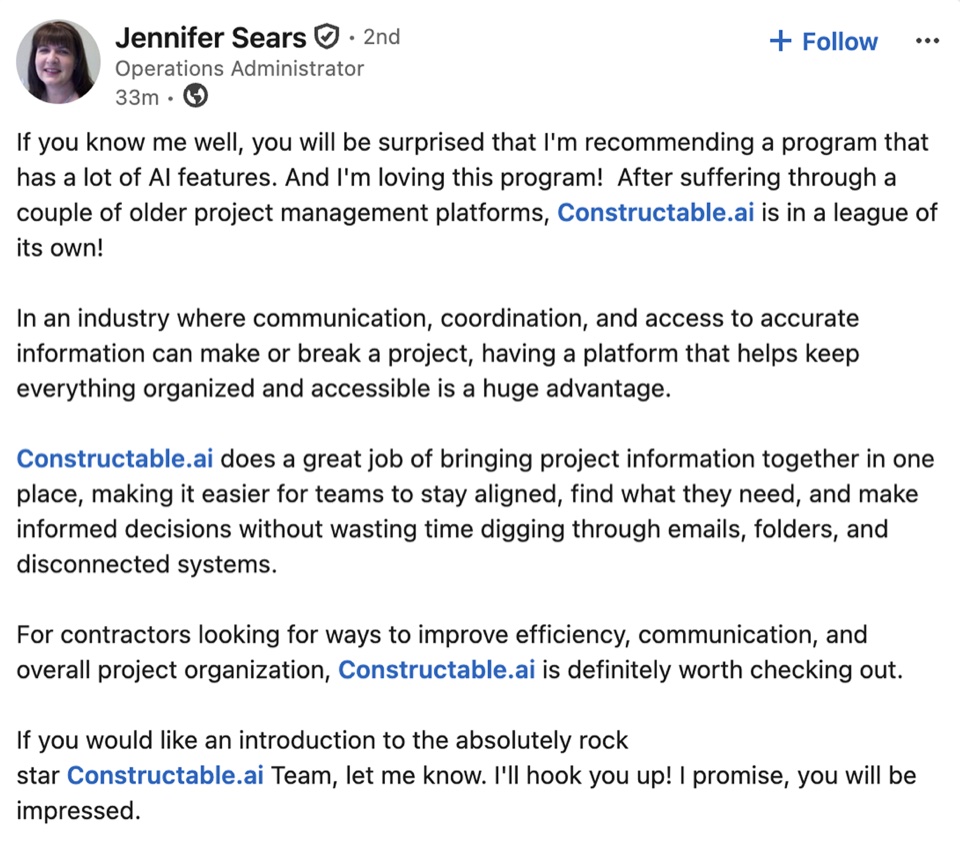
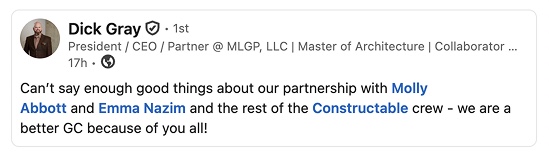
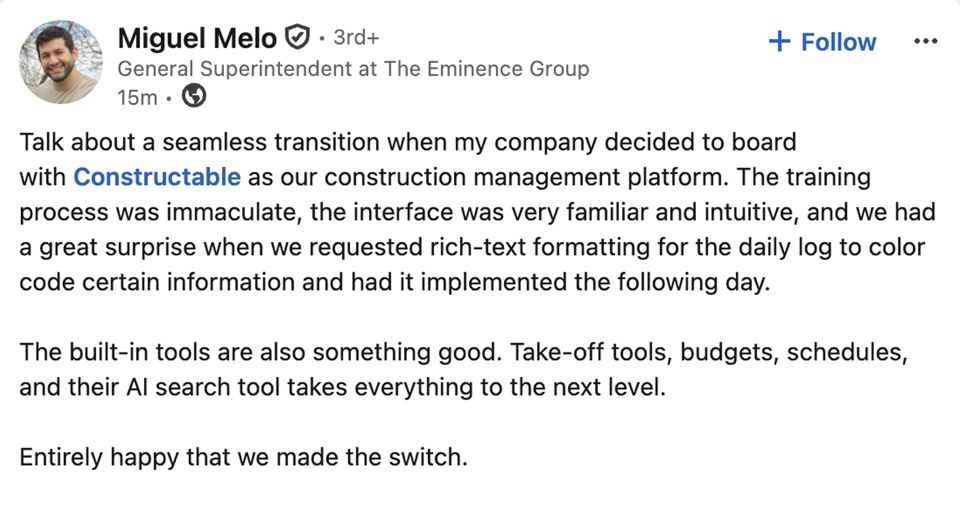
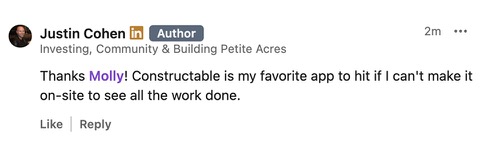
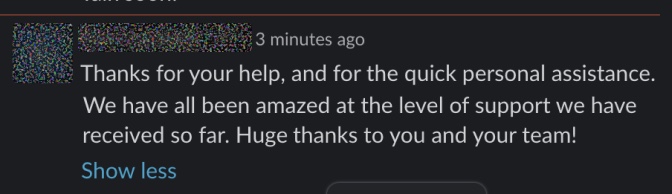
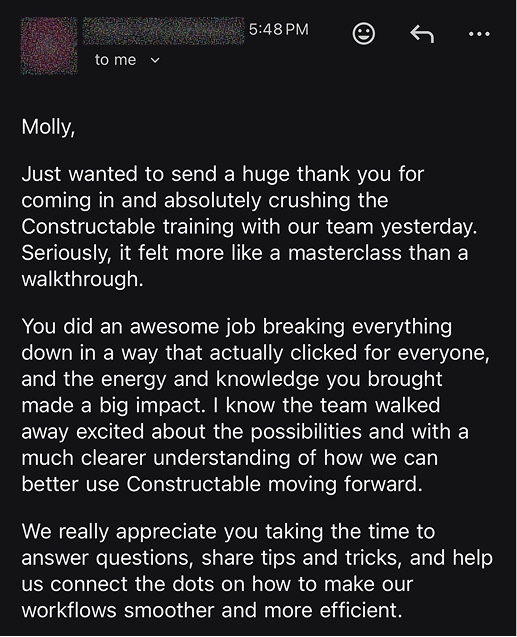
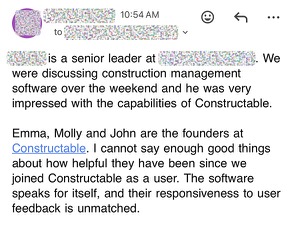
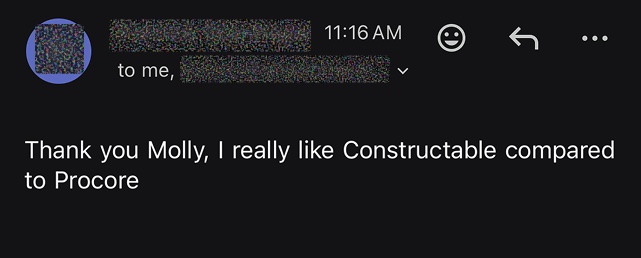
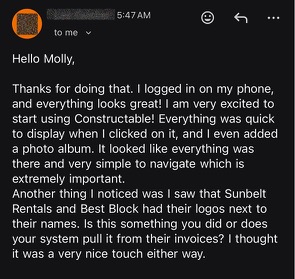
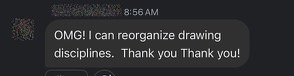
Loved in the office and in the field
Take your drawings anywhere with the Constructable app for iPhone, iPad, and Android.


Catch it on the walk,
not at closeout.
Book a 30-minute demo with our team.
WallofHappiness






Frequently Asked Questions
Can I build my own inspection checklists and reuse them on every project?
Can inspectors answer Yes/No or our own wording instead of pass/fail?
Does it work on a phone or tablet in the field?
How is the pass rate calculated? Do N/A items count?
What happens when an item fails?
Can I export an inspection report to PDF?
Can I reuse inspections from a previous project?
Who can create, perform, or view inspections?
Which plan includes inspections?
more time building
at a glance